Step 1
Place fabric
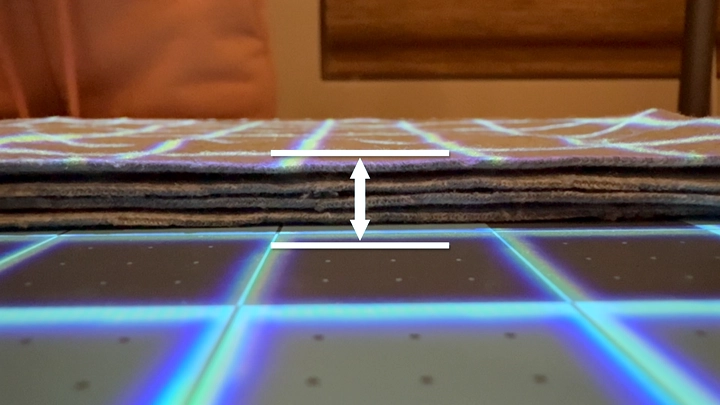
Place your fabric on the cutting mat.
Step 2
Select fabric thickness
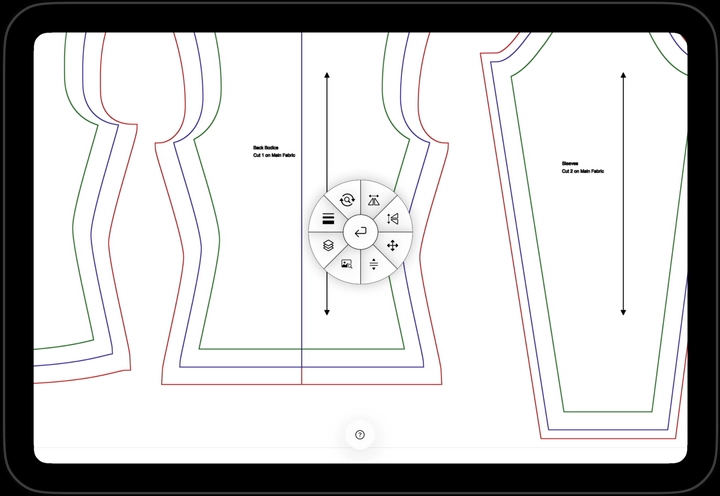
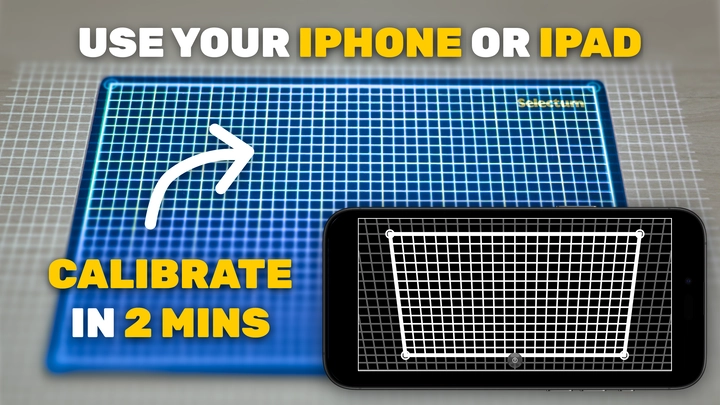
Select the fabric thickness icon in the radial menu. This brings up the calibration grid as shown below.
Step 3
Place ruler along grid line
Choose a grid line and place your ruler along its center line. The center of your ruler should match the center of the calibration grid.
Step 4
Adjust until grid matches ruler
Tap and hold the increase fabric thickness control until the markings on the grid match the markings on your ruler.
Step 5
Done
You’re done! The grid lines should now match your ruler. Tap the fabric thickness button again to return to your pattern.
Continue learning
Keep going with the next part of your setup or explore a related guide.