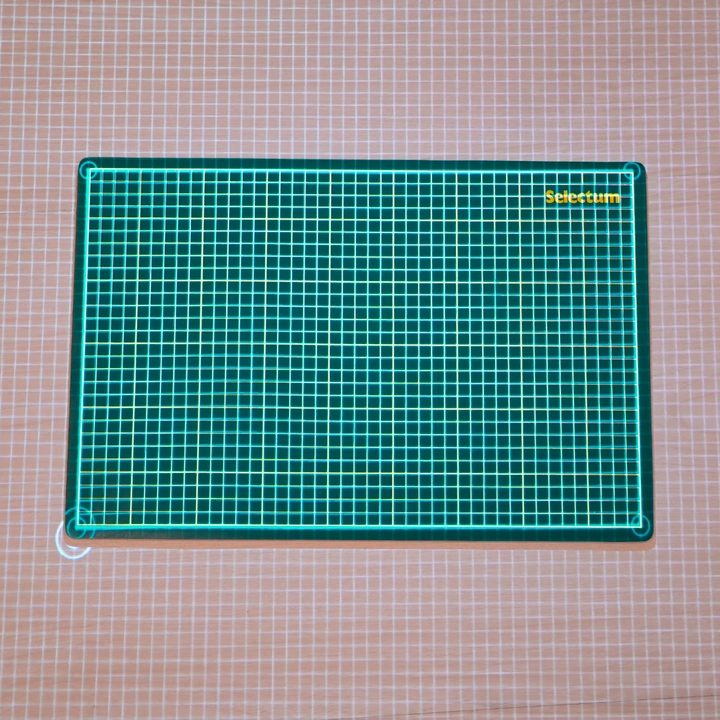
Calibrate your projector.
Use IntelliSew to calibrate your projector so your patterns appear at their true size
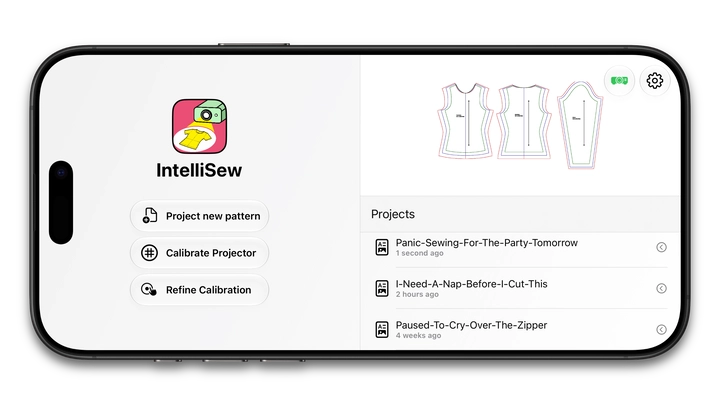
A thoughtfully designed iPhone and iPad projector sewing app that takes you from digital pattern to cut fabric with ease.
Use IntelliSew to calibrate your projector so your patterns appear at their true size
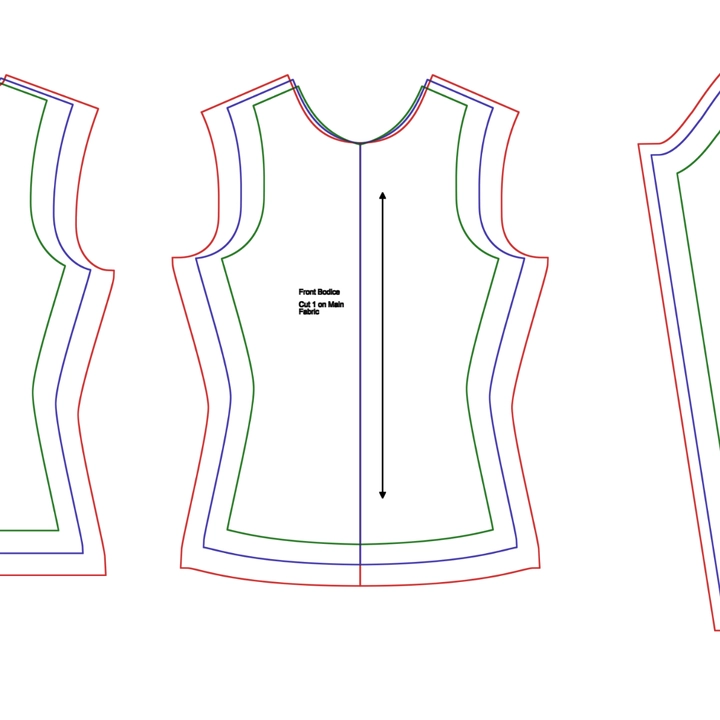
Join your pattern pieces into one seamless digital layout.
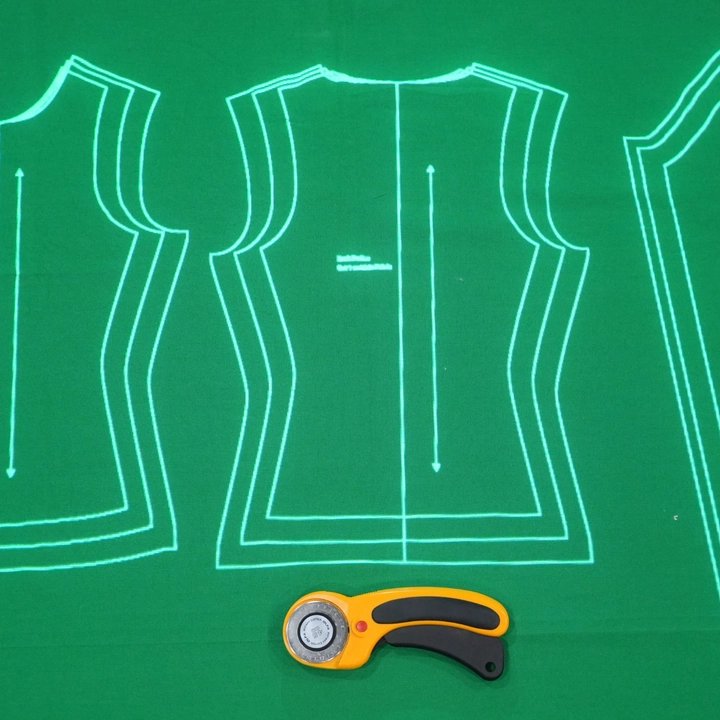
Project your patterns onto your fabric and start cutting.
Everything you need to make projector sewing simpler, from setup to cutting.
Two easy ways to calibrate your projector in under 2 minutes
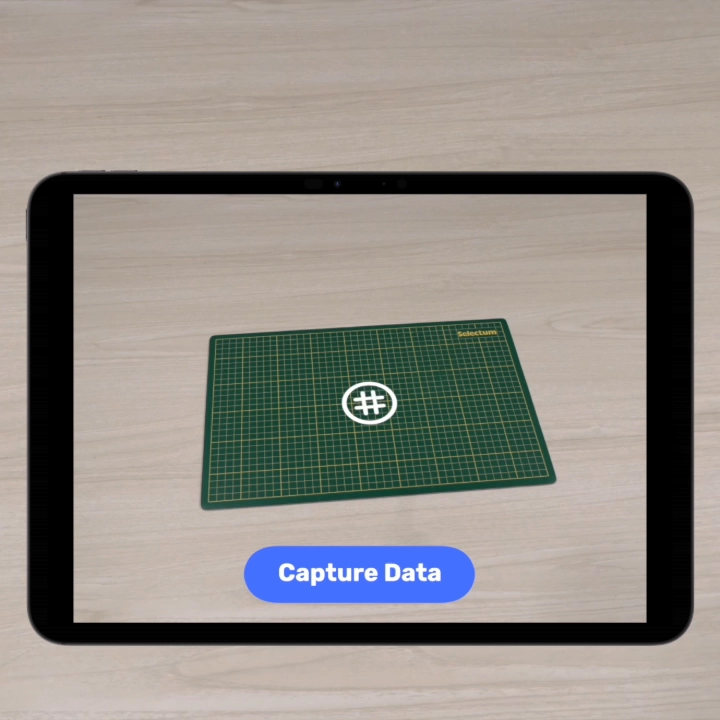
Point your camera at the mat and let IntelliSew handle the tedious part. Get calibrated in seconds and move on to your project sooner.
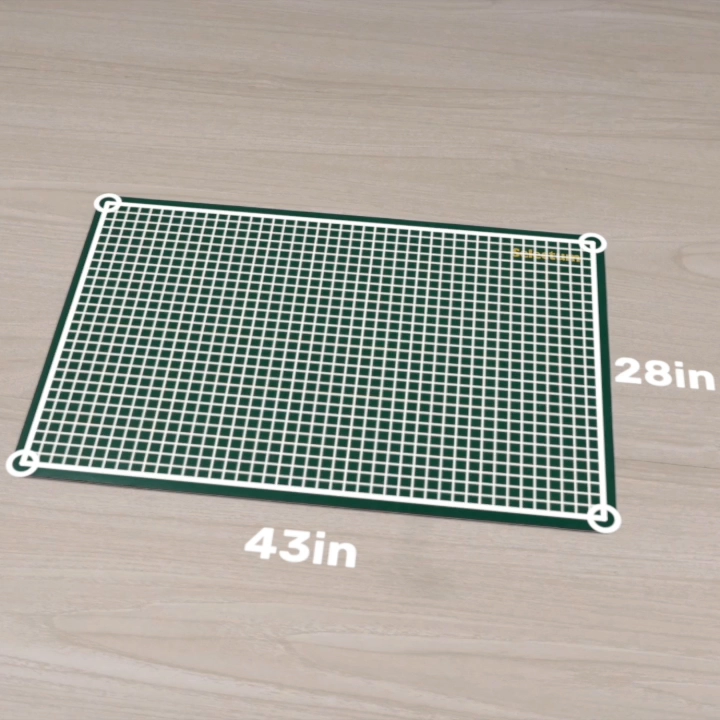
Mark the four corners of your mat, enter the mat dimensions, and IntelliSew does the rest.
 Pro
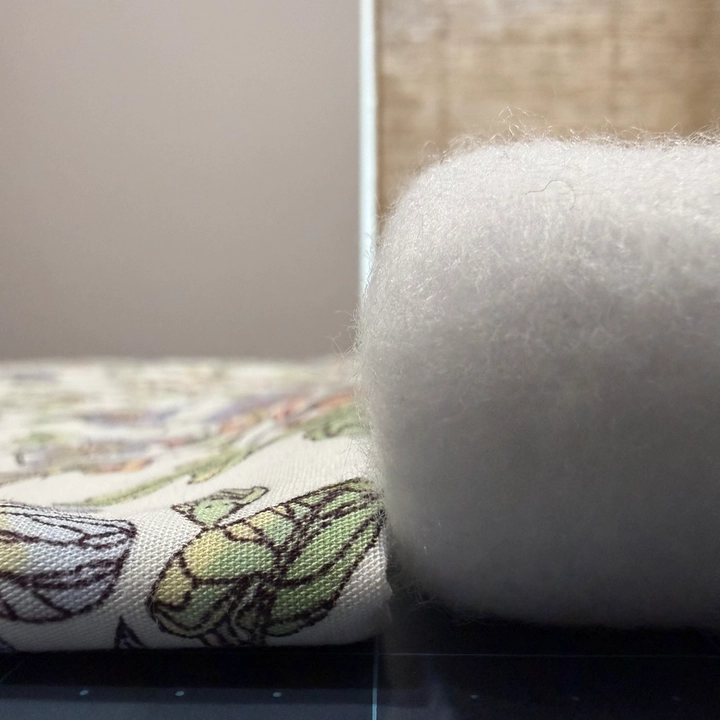
ProCutting French terry, fleece, or bulky quilts? Instantly adjust between main and lining fabric without recalibrating your whole setup.
Projector files, A0 or A4 patterns? IntelliSew supports it all
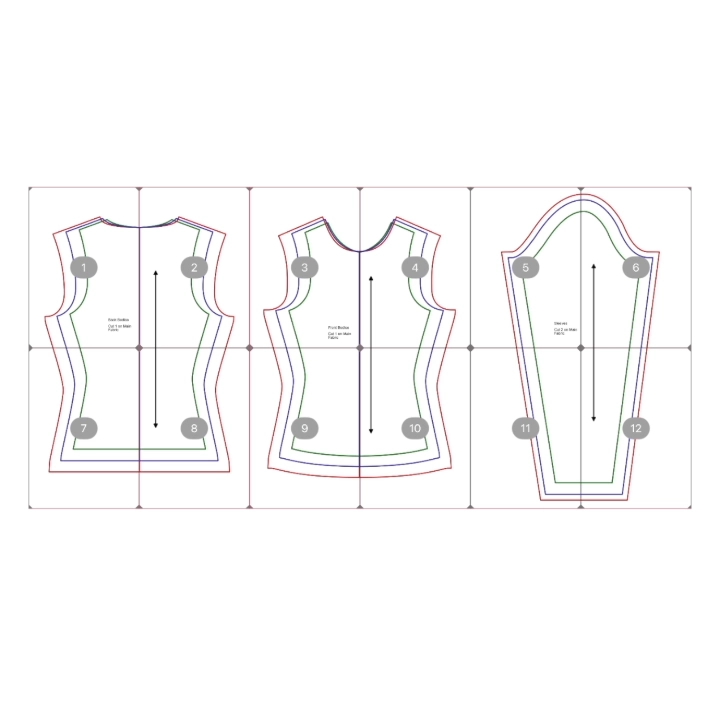
Join multi-page PDF patterns right on your screen and see the assembled result immediately.
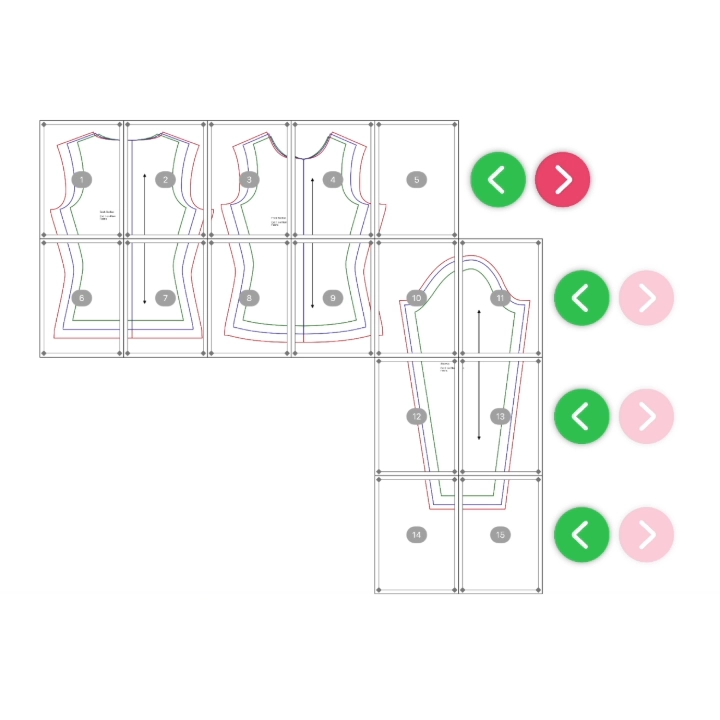
Add blank pages, adjust column sizes and drag and drop pages where they belong.
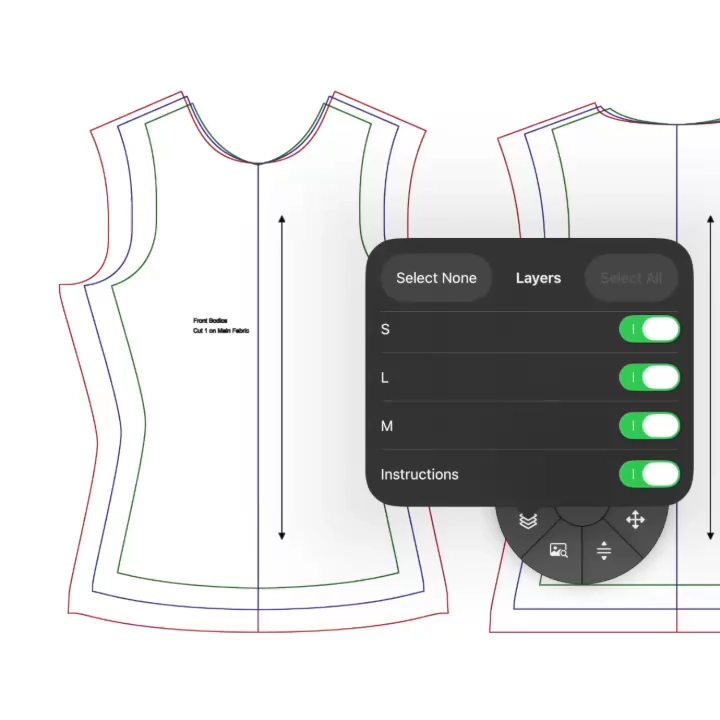
Choose which layers are shown so you see only the pieces, text and your project actually calls for.
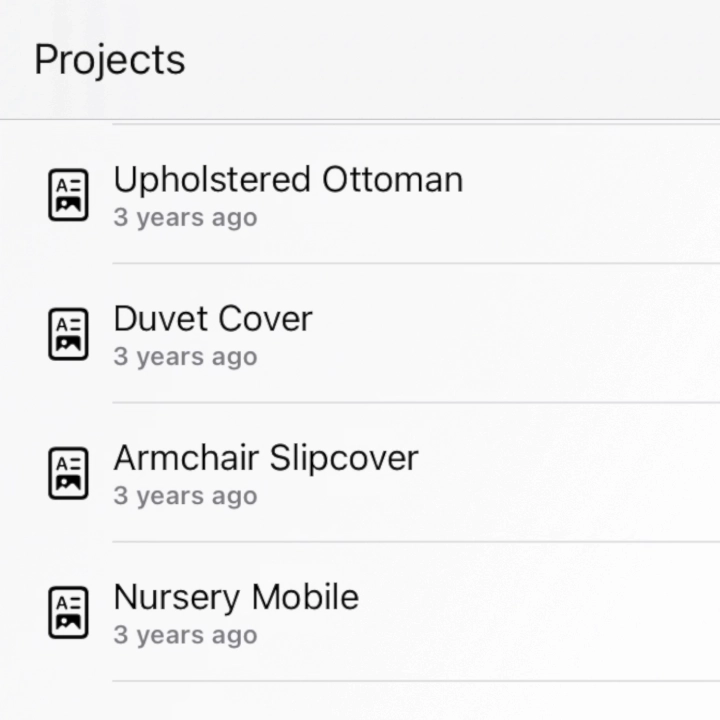
Save as many patterns as you want.
Move, rotate, scale, and customize every pattern with complete control
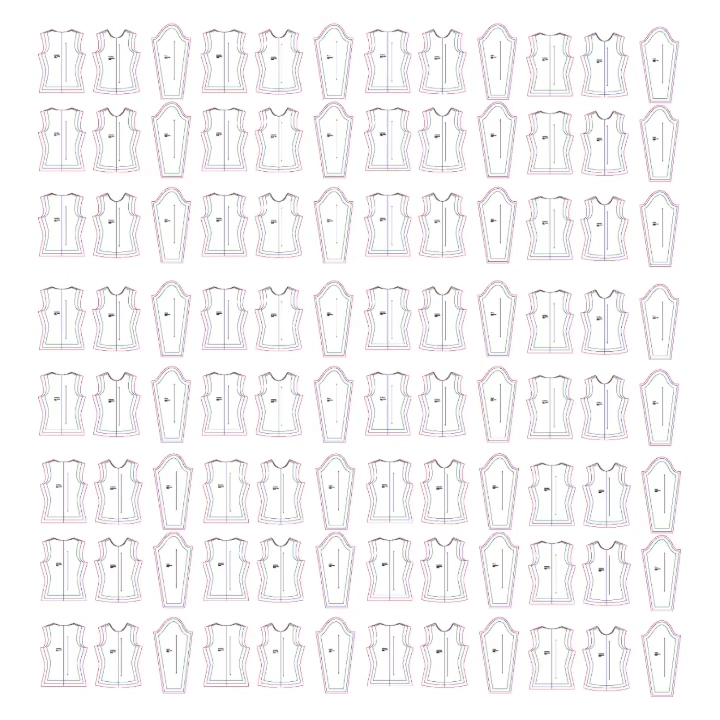
Navigate and work with massive A0 and projector files with no lagging or freezing.
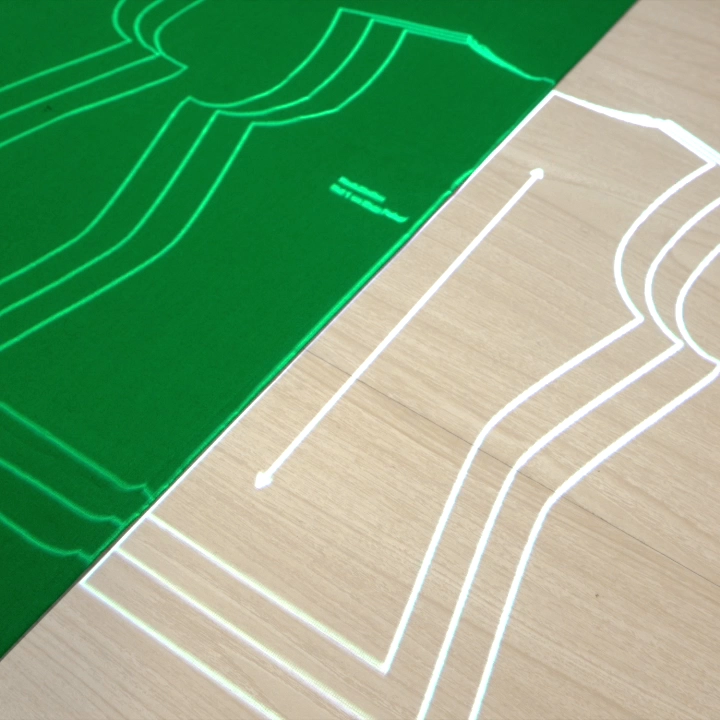
Cutting on the fold just got easier. Nudge your pattern precisely in very small increments.
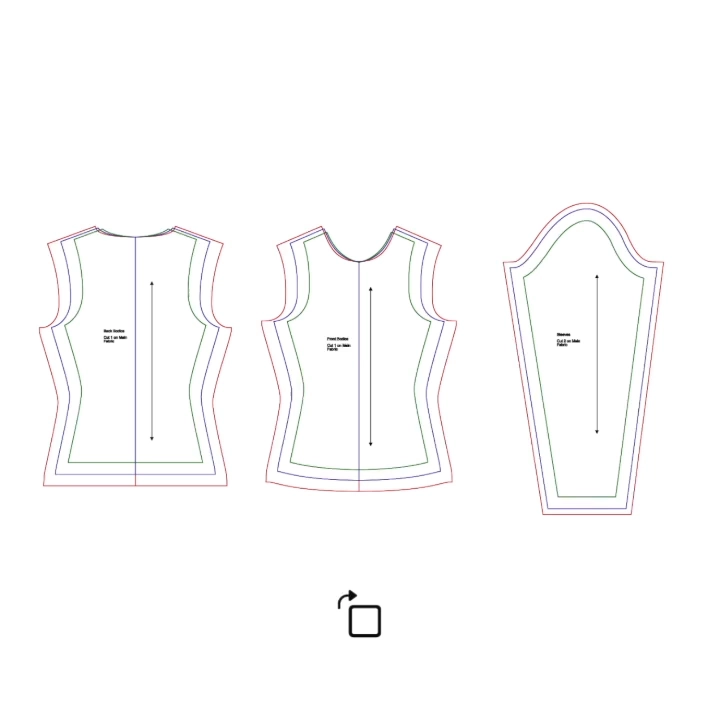
Quickly rotate your pattern 90 degrees, flip it horizontally or vertically, or scale your pattern larger and smaller.
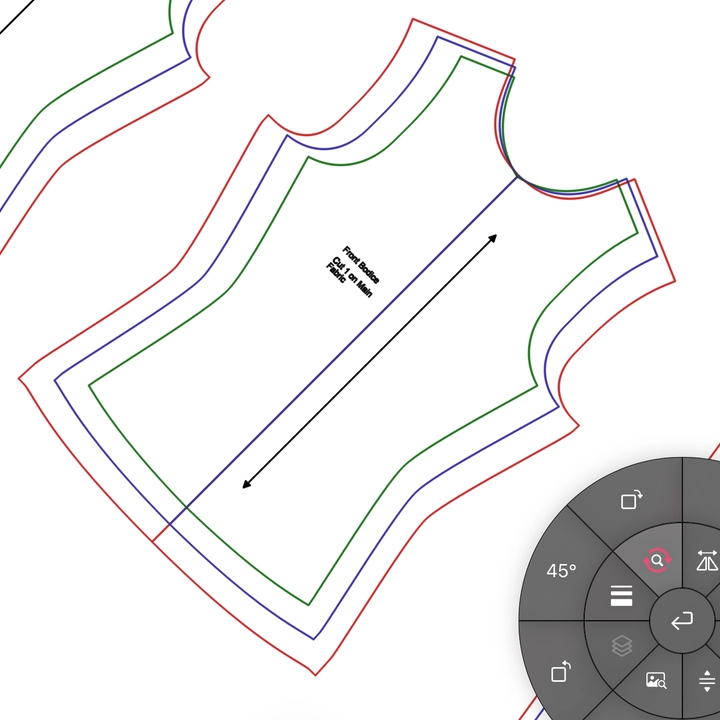 Pro
ProBreak free from 90-degree rotations. Rotate at any angle you need for bias cuts.
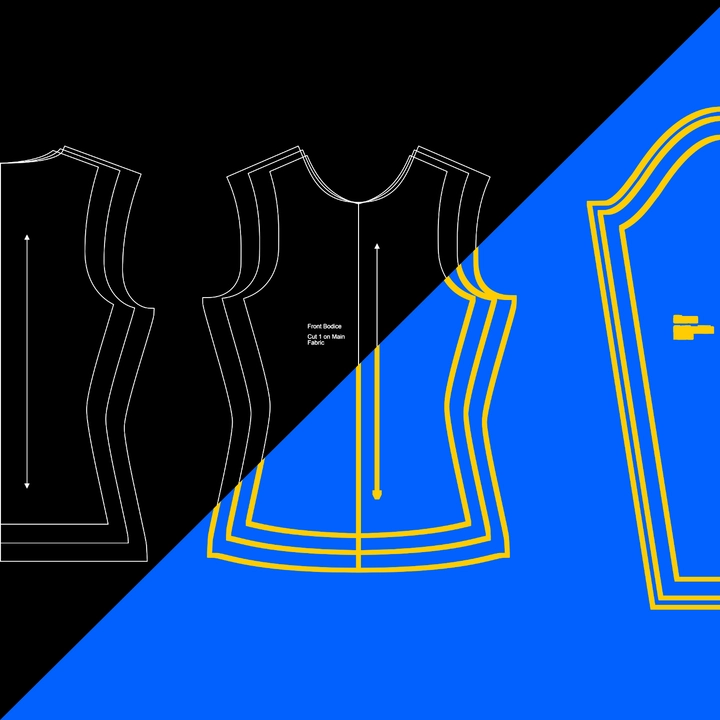
Change the line color and thickness so you can see your pattern against even the gaudiest prints.
Small features that make a BIG difference
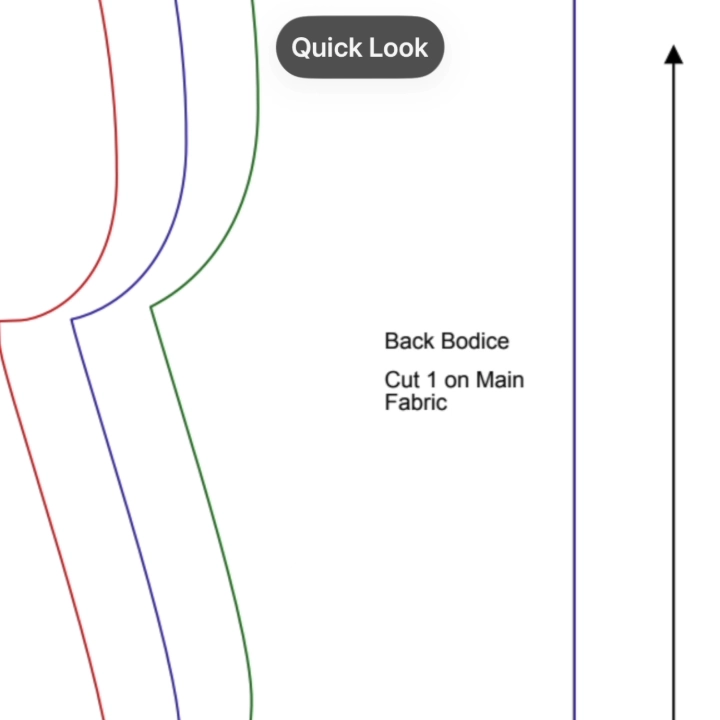
Zoom in and navigate your pattern while the projection stays perfectly locked in place on your cutting mat.
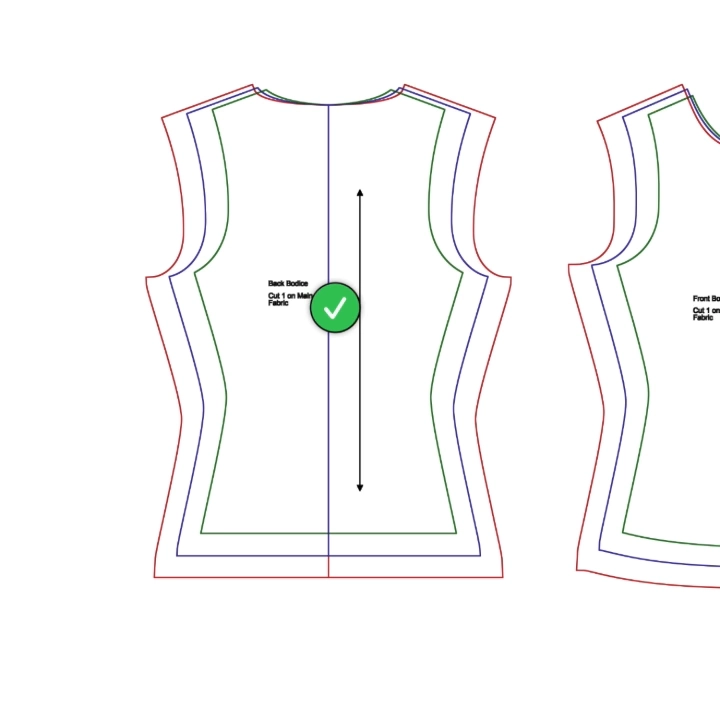
Never ask "Did I cut two of the same pieces again?" Mark and track what you've already cut.
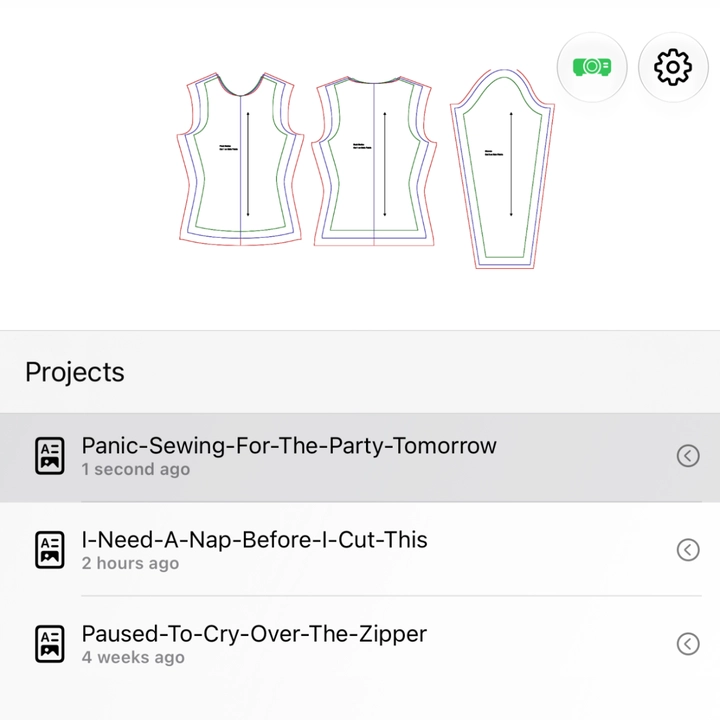
Life happens, take a break and come back. IntelliSew saves your spot so you can resume without setting everything up again.
Read full review on ProjectorSewing.comIntelliSew is a great choice if you want a premium, purpose-built experience on your phone.
Sheredith
ProjectorSewing.com
Granted, I am new to projector sewing. I found this app after a deep dive when I wasn’t happy with the way the best known sewing projector software was projecting my patterns.. calibration was easy, and the projected area is big enough for voluminous patterns.. from my phone, no less?! it costs more than some of the other options but it’s worth it to avoid the headaches.
ef12180
App Store Review
This app lets me easily configure my digital pattern, allowing me to project it onto my work space via iPad or computer. Not only is the resolution crisp, but I can still see it during the day or with the lights on. The tools are very easy to understand, but that is because I have a background with the adobe suite, affinity, procreate, and design programs. These tools there are very similar to the ones on this app. However for people without that knowledge, I can see it to be a little confusing for them to understand, especially ones that are not familiar with layers. Aside from that, this app is user friendly and I absolutely recommend this to anyone who wants to project their patters onto fabric.
BleuSugar
App Store Review
This is working very well for me. Being able to project from my iPad a huge convenience. Subscribing now not necessarily because I need the extra features but to support the developers.
Julie McLeod
App Store Review