1
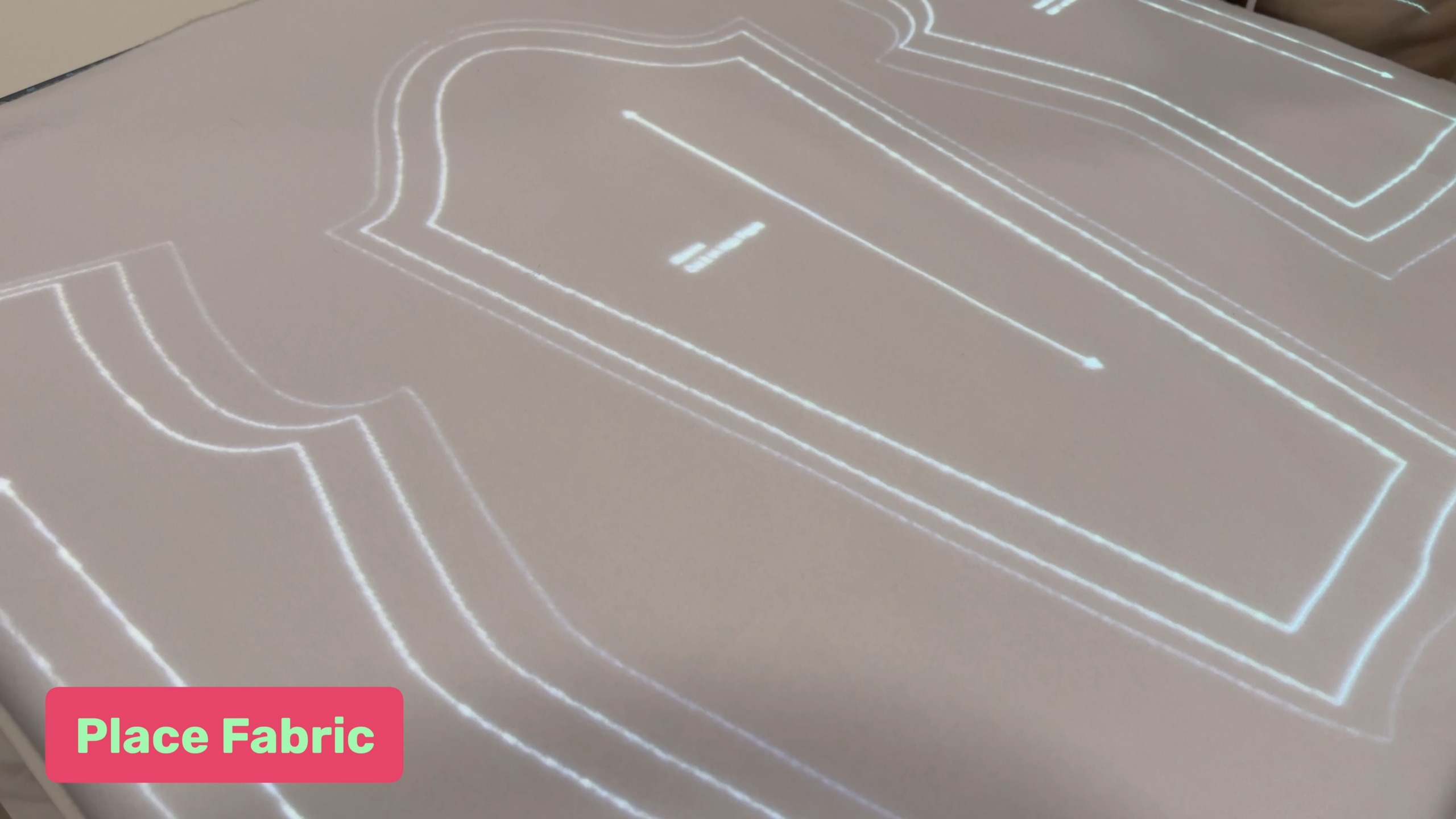
Place fabric
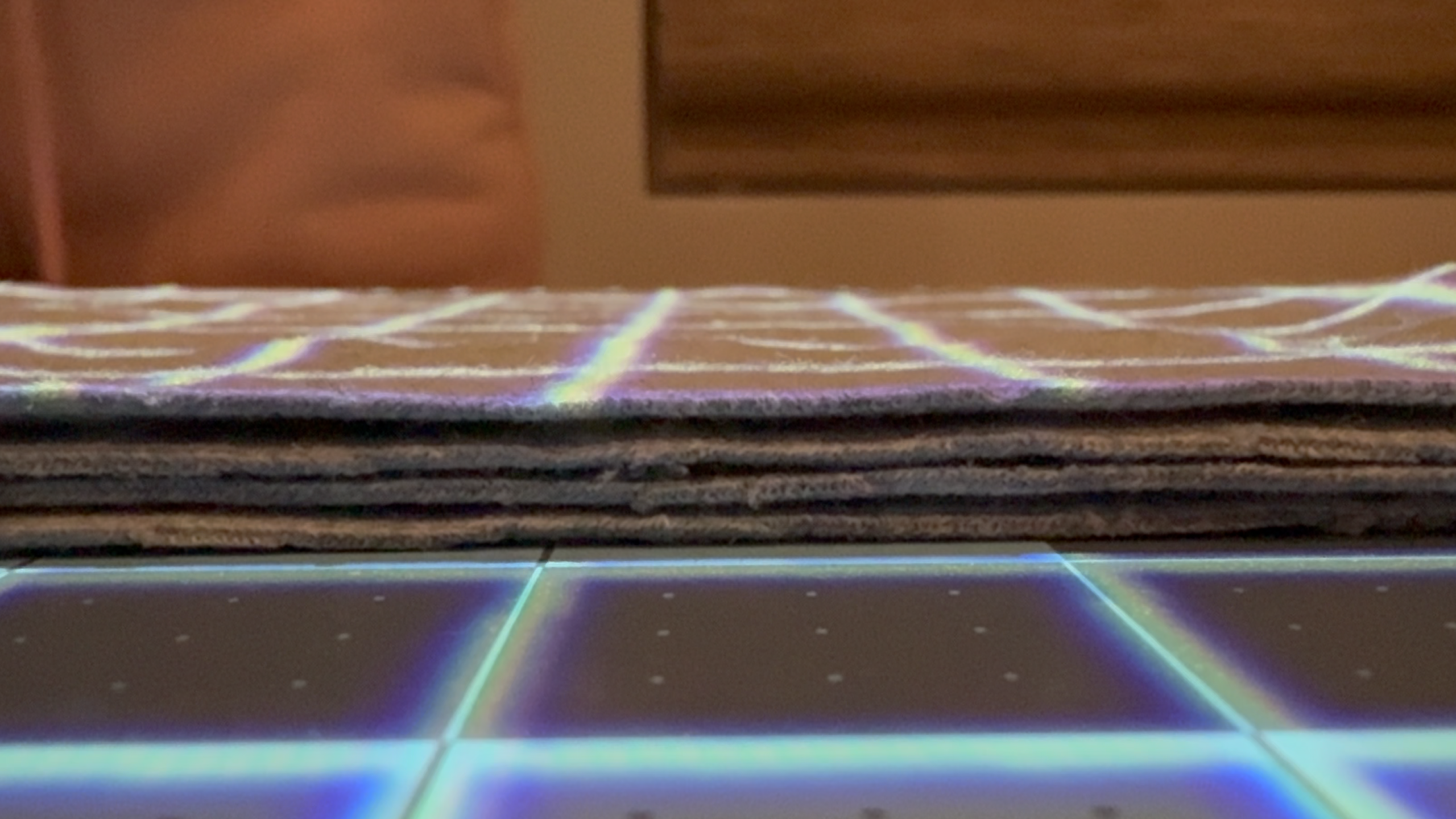
Place fabric on your cutting mat.
2
Select fabric thickness
Select the fabric thickness icon in the radial menu. This brings up the calibration grid as shown below.
3
Place ruler along grid line
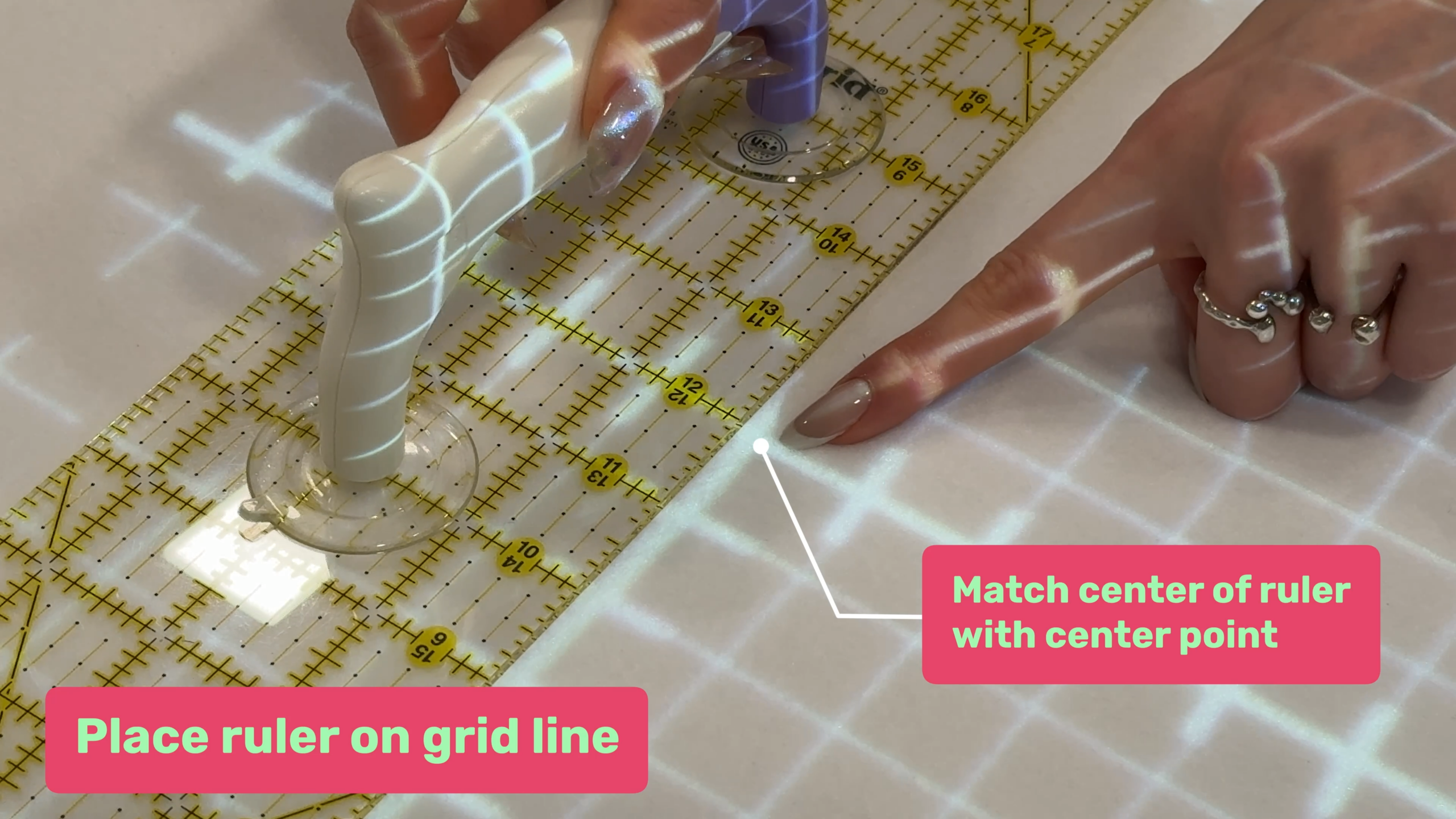
Choose a grid line and place your ruler along the center line. The center of your ruler should match the center of the calibration grid.
Note: It’s okay that the lines don’t match the rulers. We will be correcting for it in the next step
4
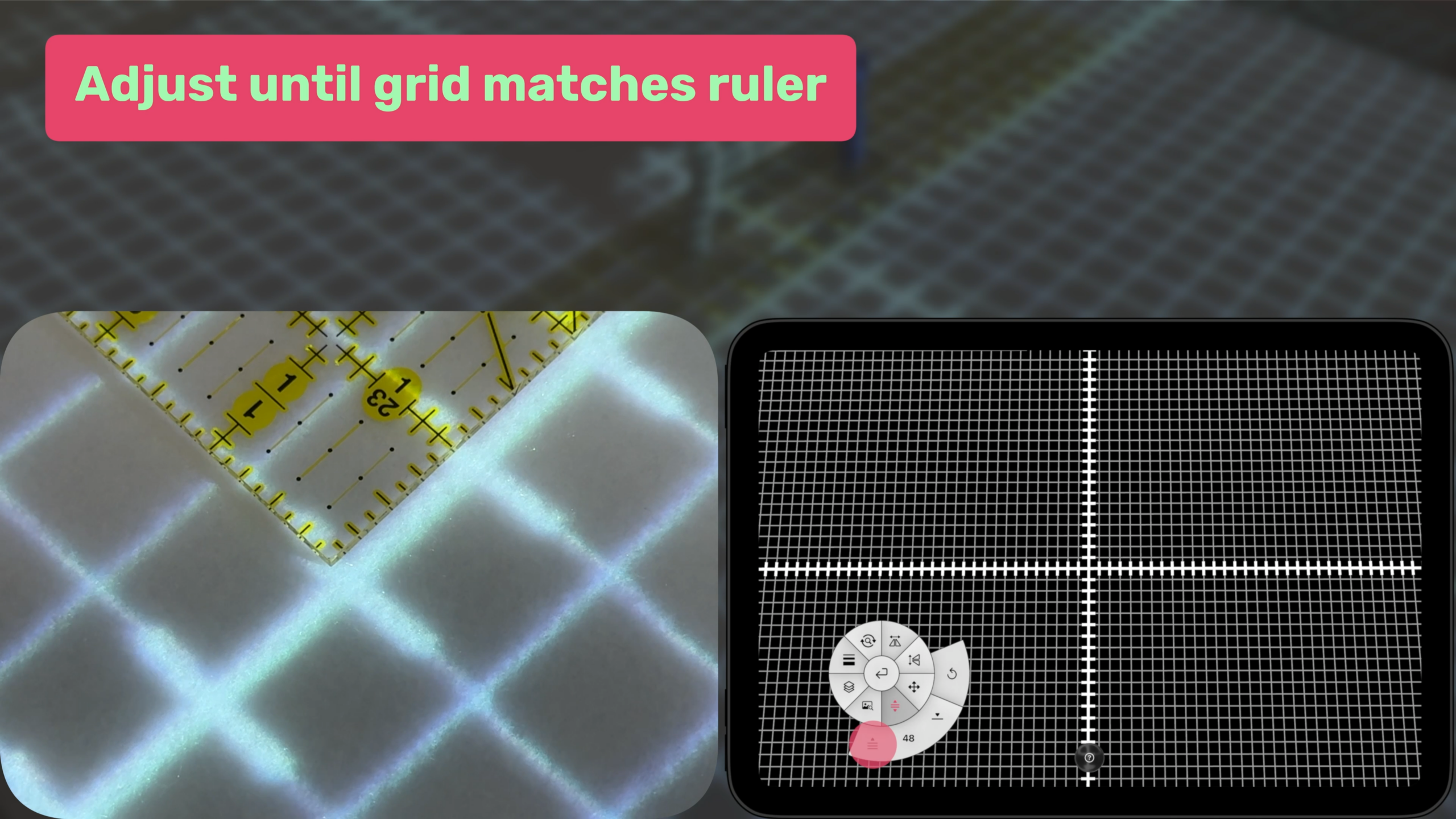
Adjust until grid matches ruler
Now tap/hold the increase fabric thickness until the markings on the grid match the markings on your ruler.
5
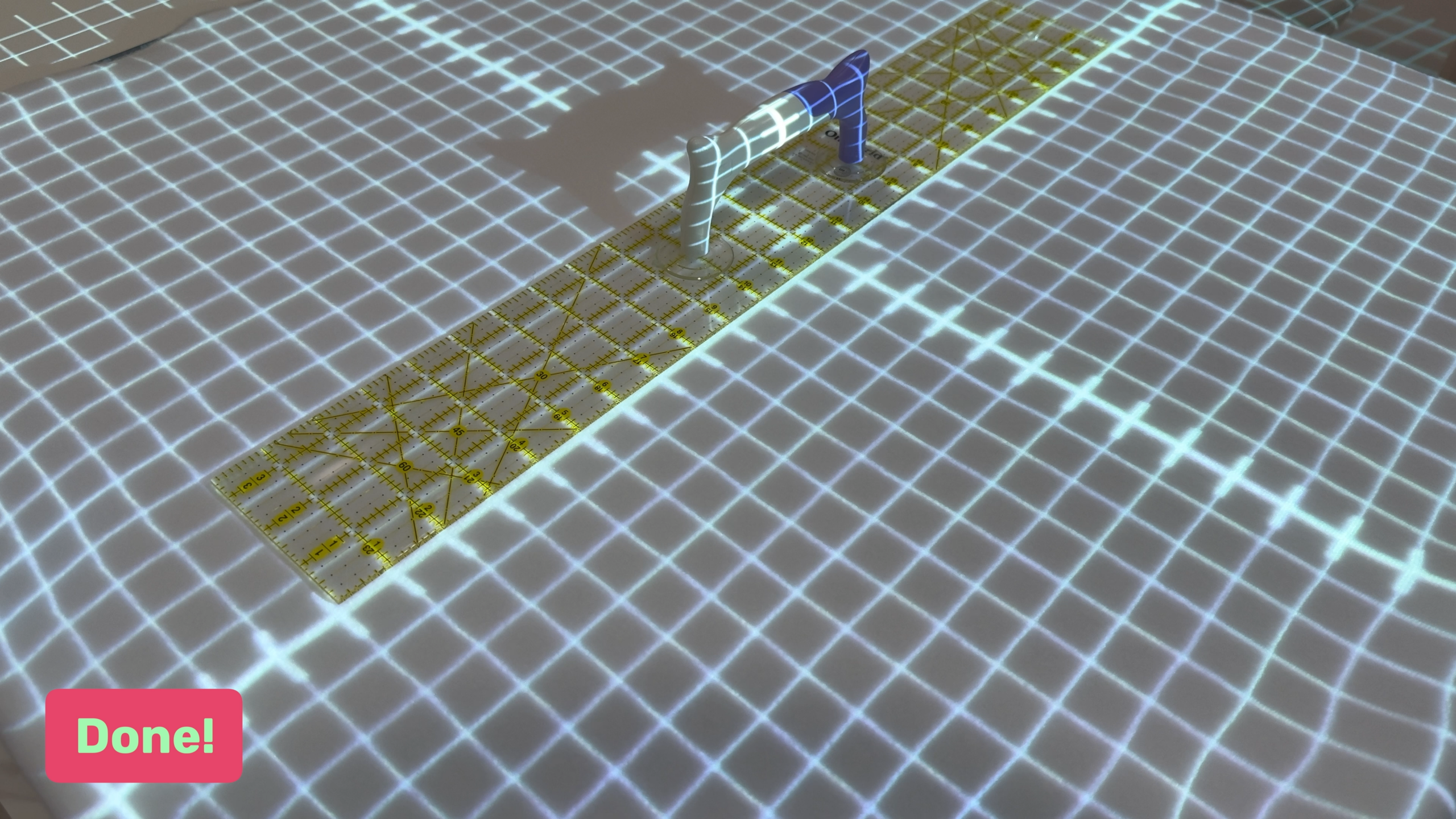
Done
You’re done! The grid lines should match up with your ruler. You can tap the fabric thickness button again and go back to your pattern.
Note: Fabric thickness is per project, you will need to adjust the fabric thickness for each project you use.