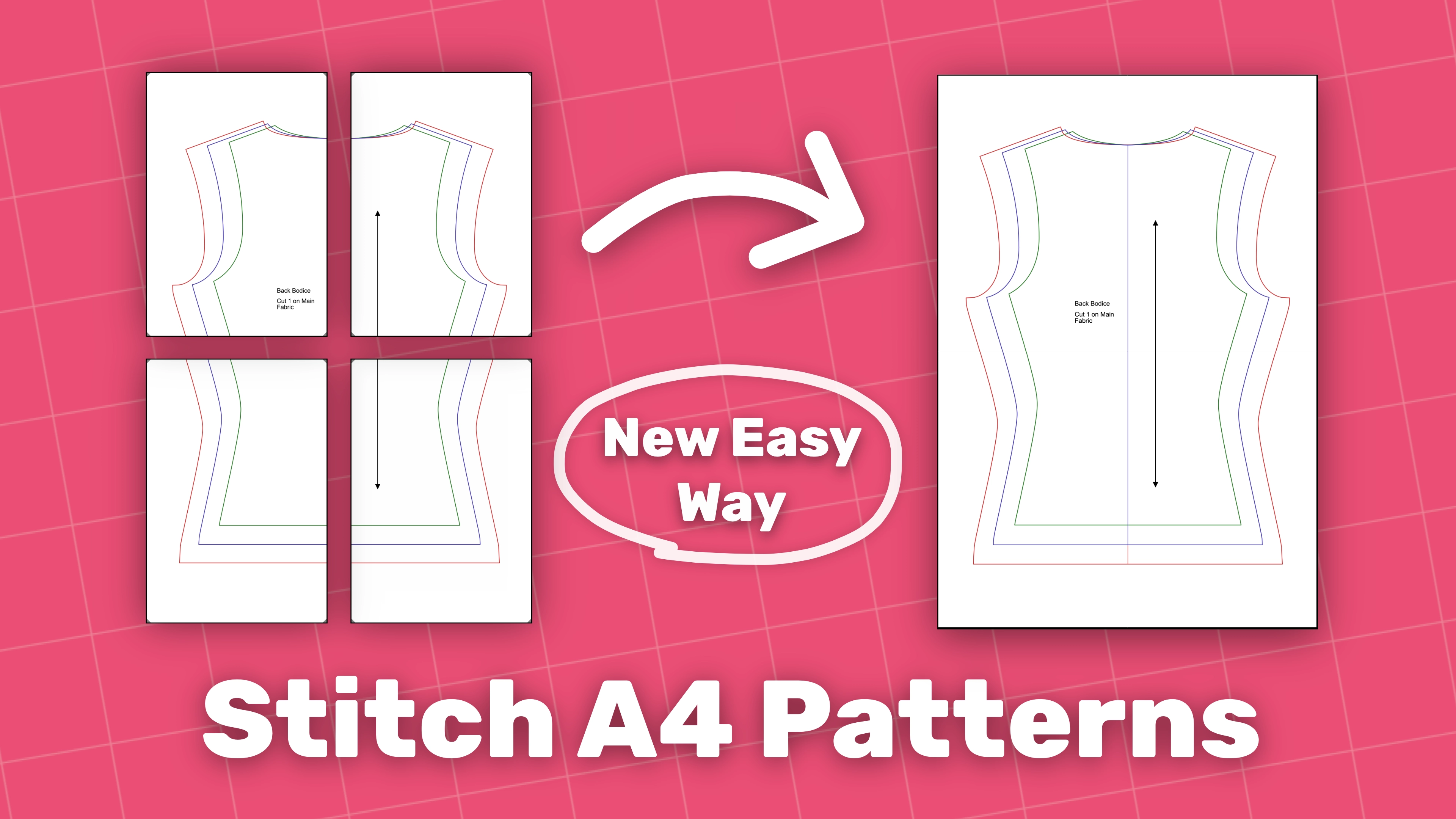
Ready to Project in Three Steps
Turn your A4 sewing patterns into a single, projector-ready layout.
- Choose the orientation that matches your pattern.
- Align the rows by adjusting the pages.
- Adjust the margins to remove the gaps.
Advanced Mode for Tricky Patterns
For more complex layouts, Advanced Stitching gives you control over how the pages fit together.
- Set a different number of columns for each row.
- Drag and drop pages exactly where they belong.